Be there as yourself
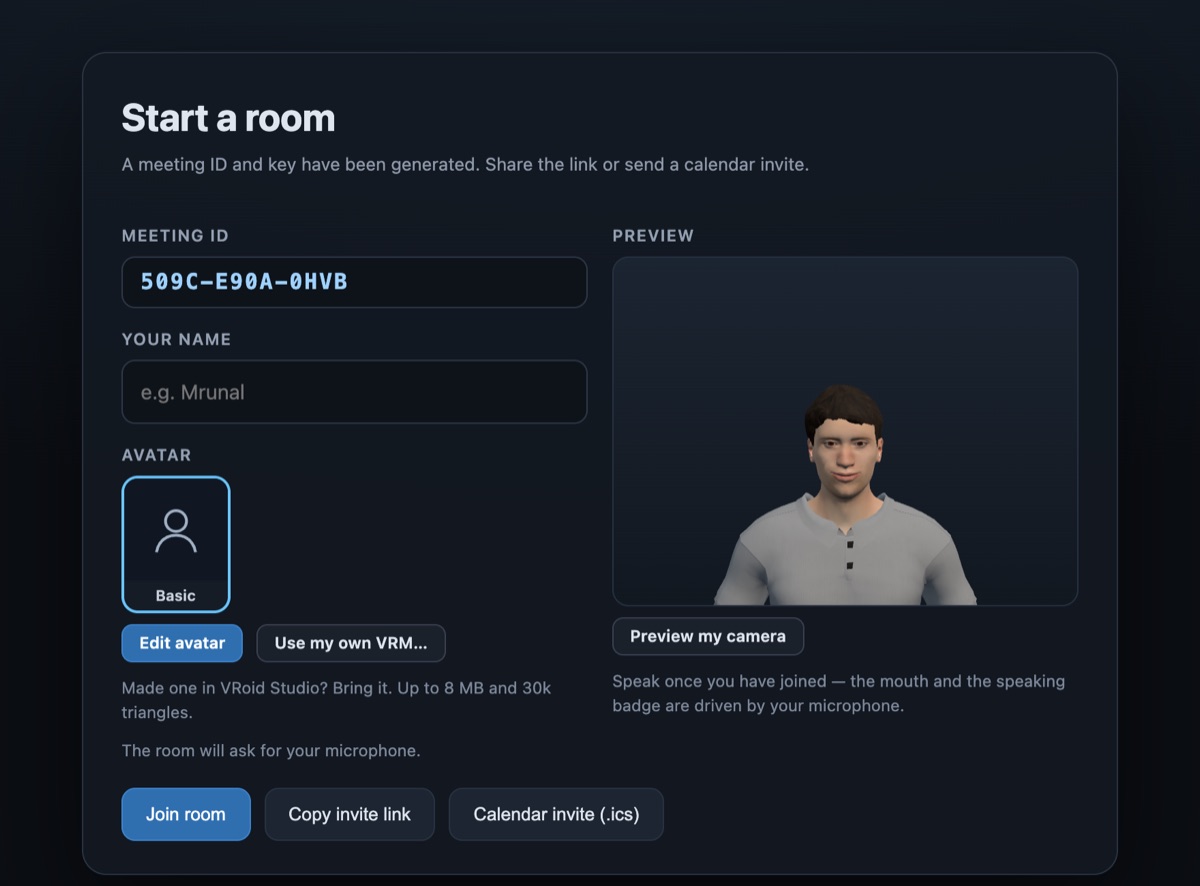
Make your avatar in the lobby: face, skin, hair, build and clothes. Or bring your own in the open VRM format. It looks where you look, and its mouth moves when you speak.
A shared office in 3D where your team sits around one table as avatars. Put on a VR headset, open it on your computer, or join from your phone. You hear people from where they sit, and you can share your screen on the wall. It's the closest thing to being in the same room.
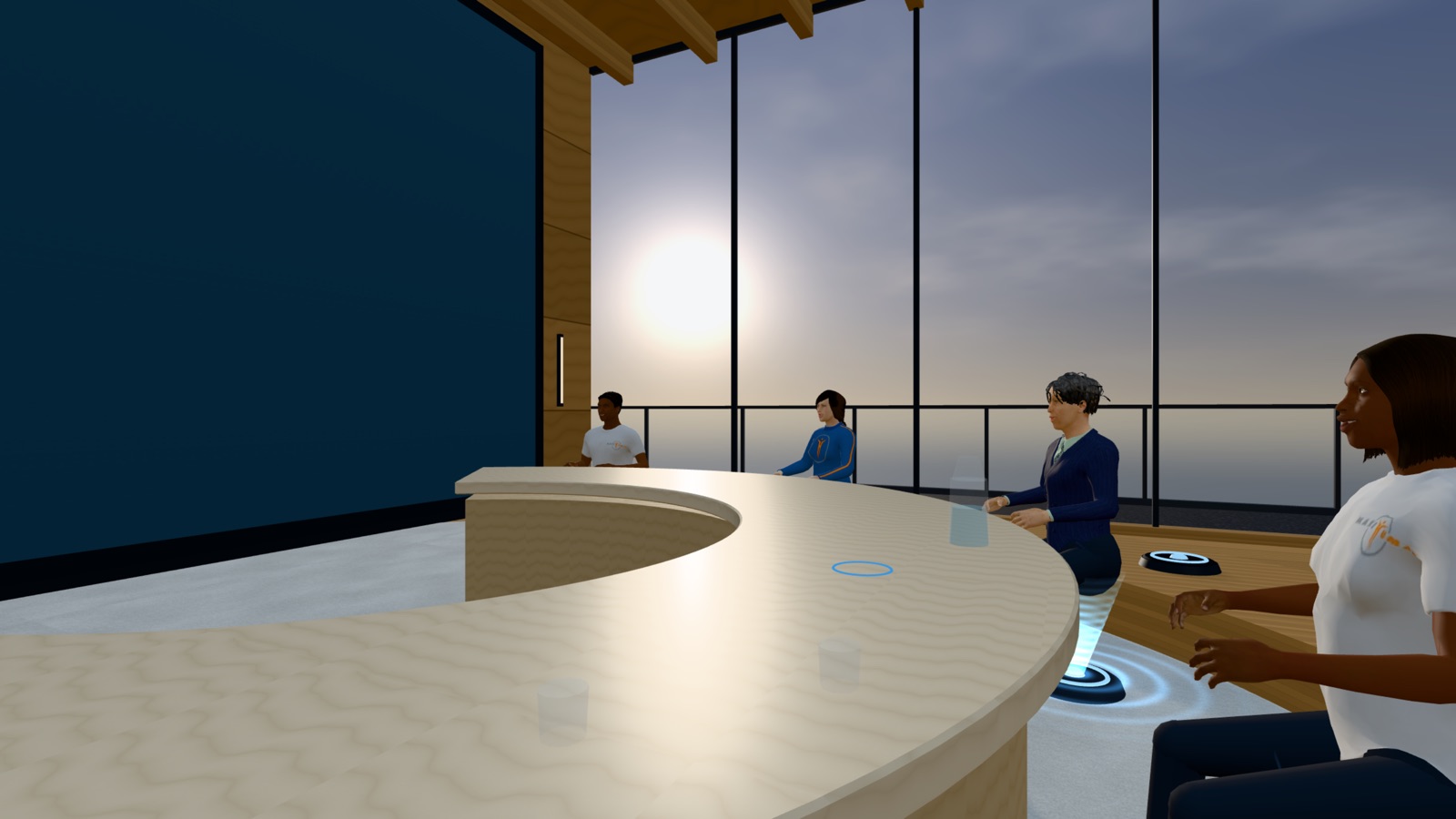
Less like a video call, more like pulling up a chair
Make your avatar in the lobby: face, skin, hair, build and clothes. Or bring your own in the open VRM format. It looks where you look, and its mouth moves when you speak.
Voices come from where people sit. The person on your left sounds like they're on your left, so several people can talk without it turning into noise.
Share your computer screen onto the wall at the front of the room, and hand the wall over to the next person when you're done. Anyone can pull the screen up large in front of their own seat.
Real views from inside the Virtual Office
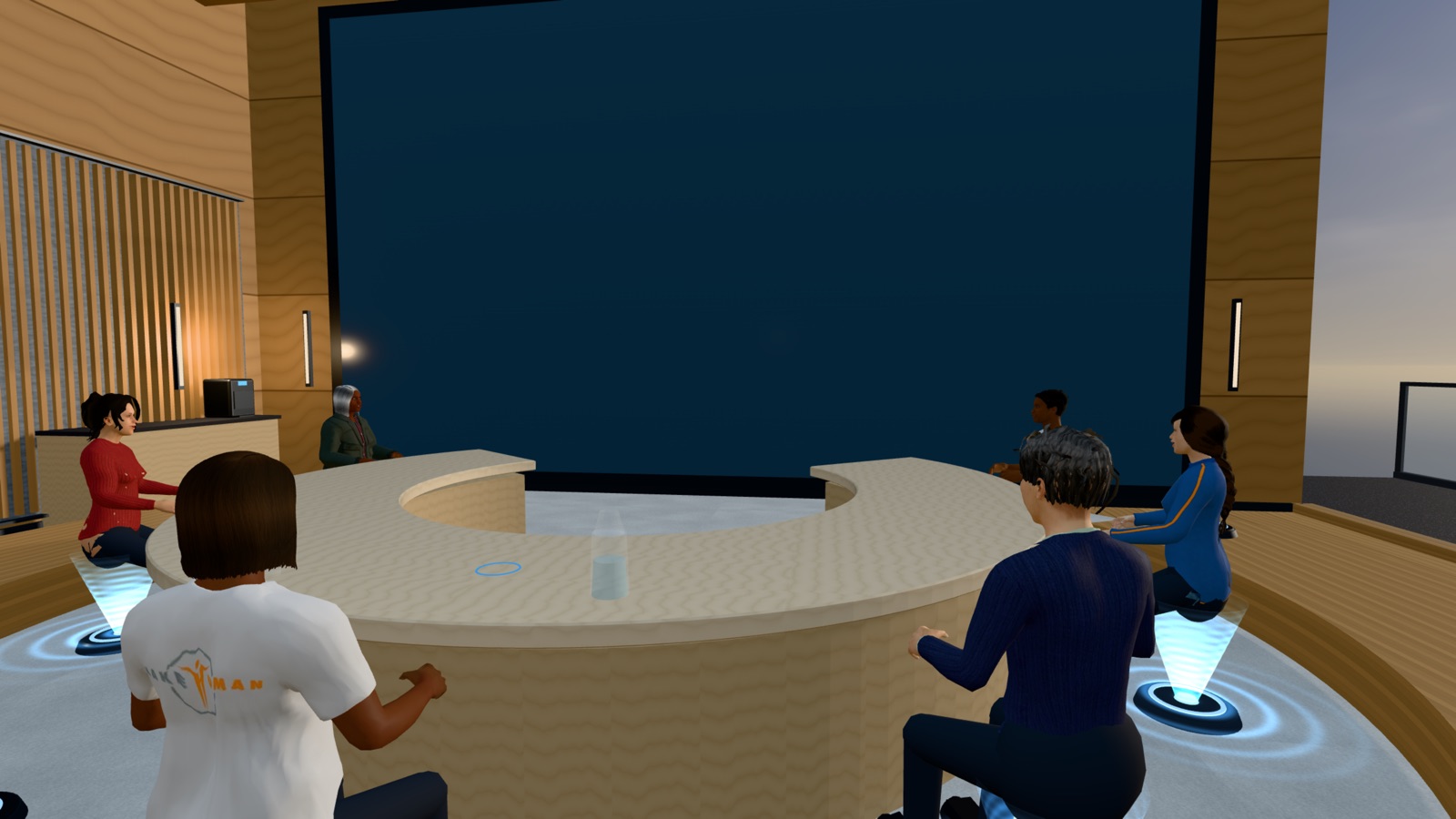
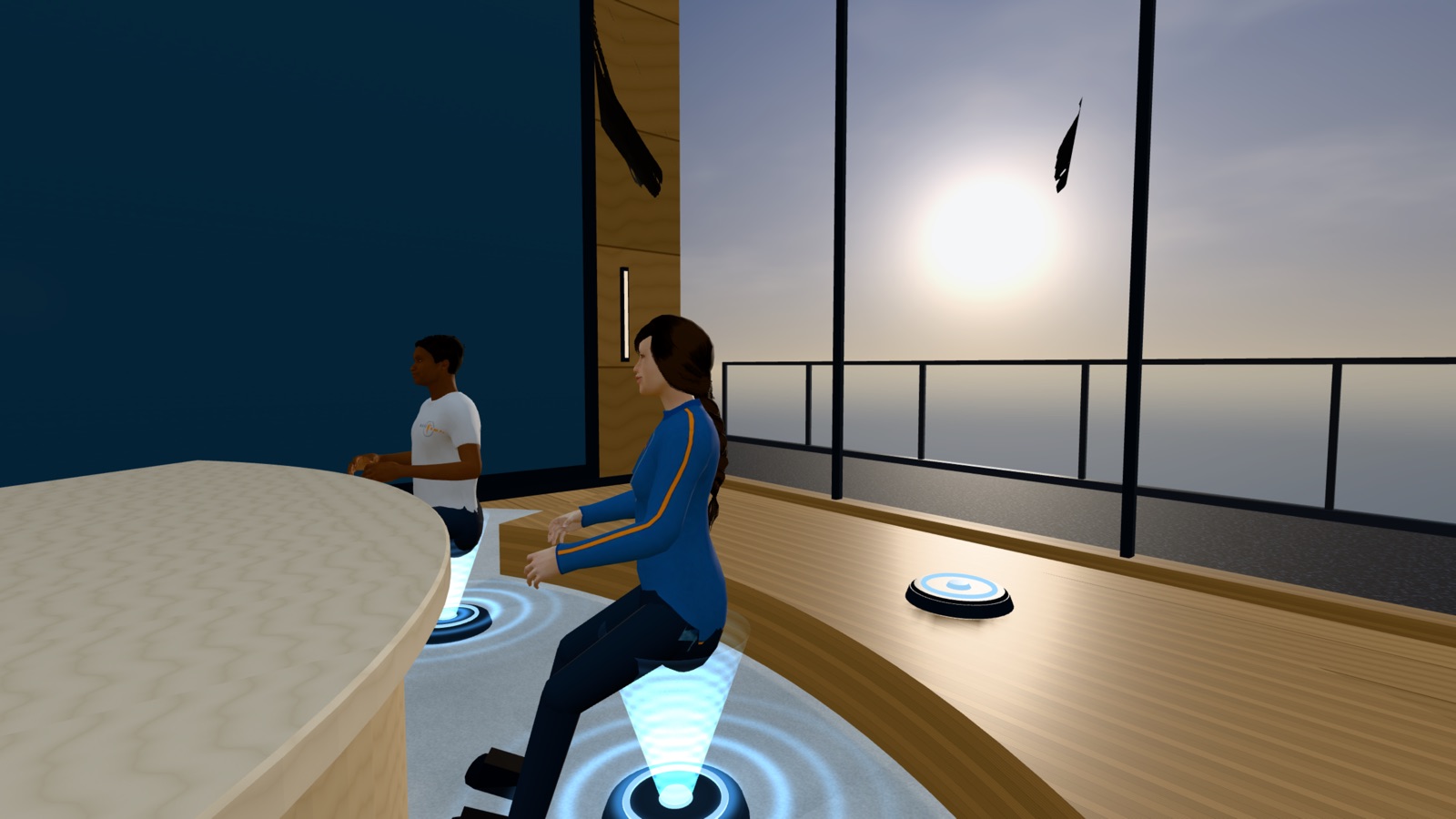
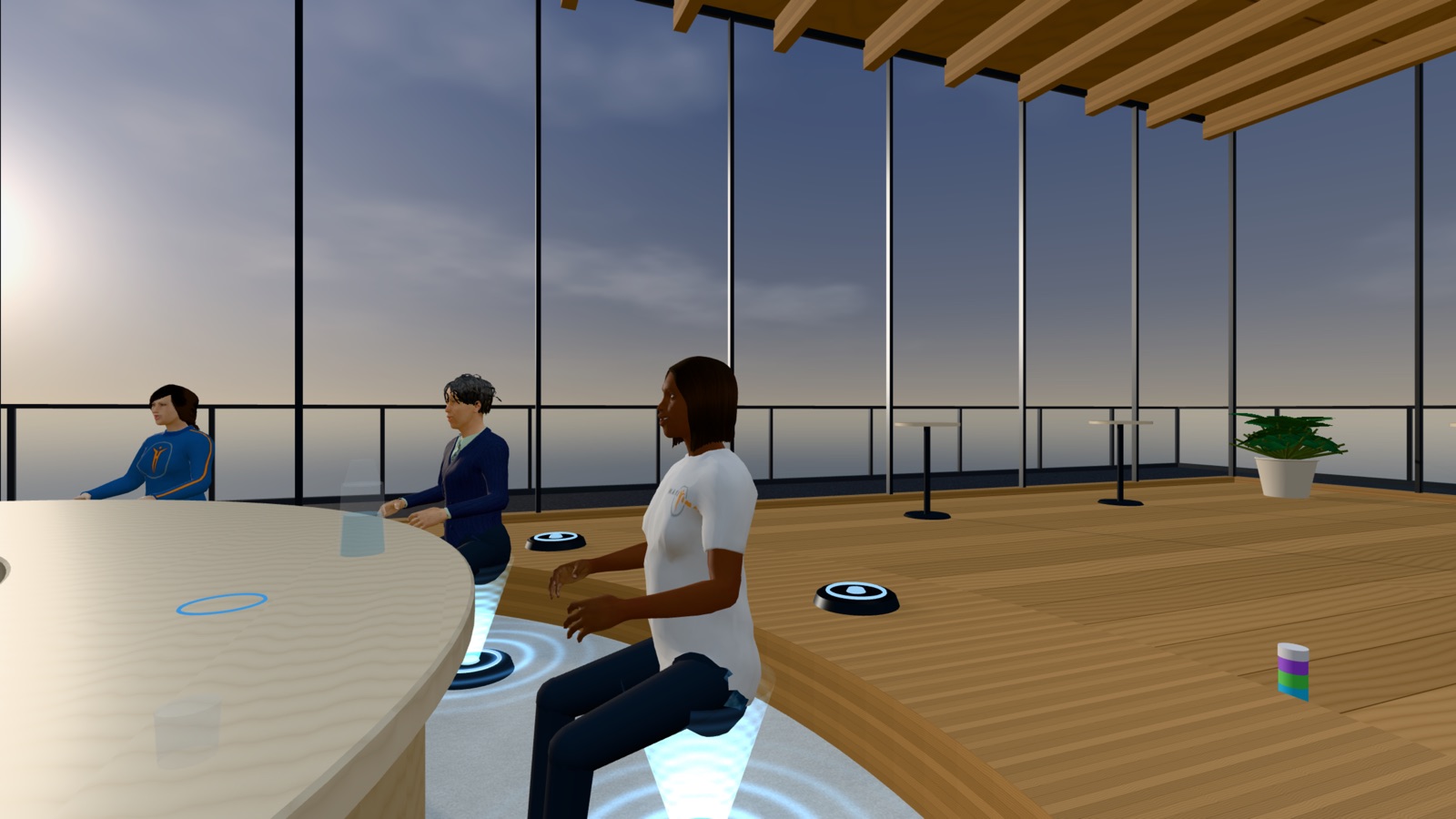
Everyone is a full participant, headset or not
VR headset
Step inside in the headset's own web browser; there's no app to install. Look around naturally and use your hands. To share your screen, pair your headset with your computer using a six-digit code.
Computer
Open it in Chrome, Edge or Safari. Move between seats with the keyboard and look around with the mouse. The computer is also where screen sharing comes from.
Phone or tablet
Join in the browser with on-screen controls. You hear everyone, see everyone and can speak, from wherever you are.
Capacity comes from the room you pick
A quiet corner for two to four.
The everyday room, everyone around one table.
A long table for a bigger group.
Tiered rows facing one screen. Still being built.
The Virtual Office is a working preview that we're polishing now.
Tell us and we'll let you know as soon as your team can use it.